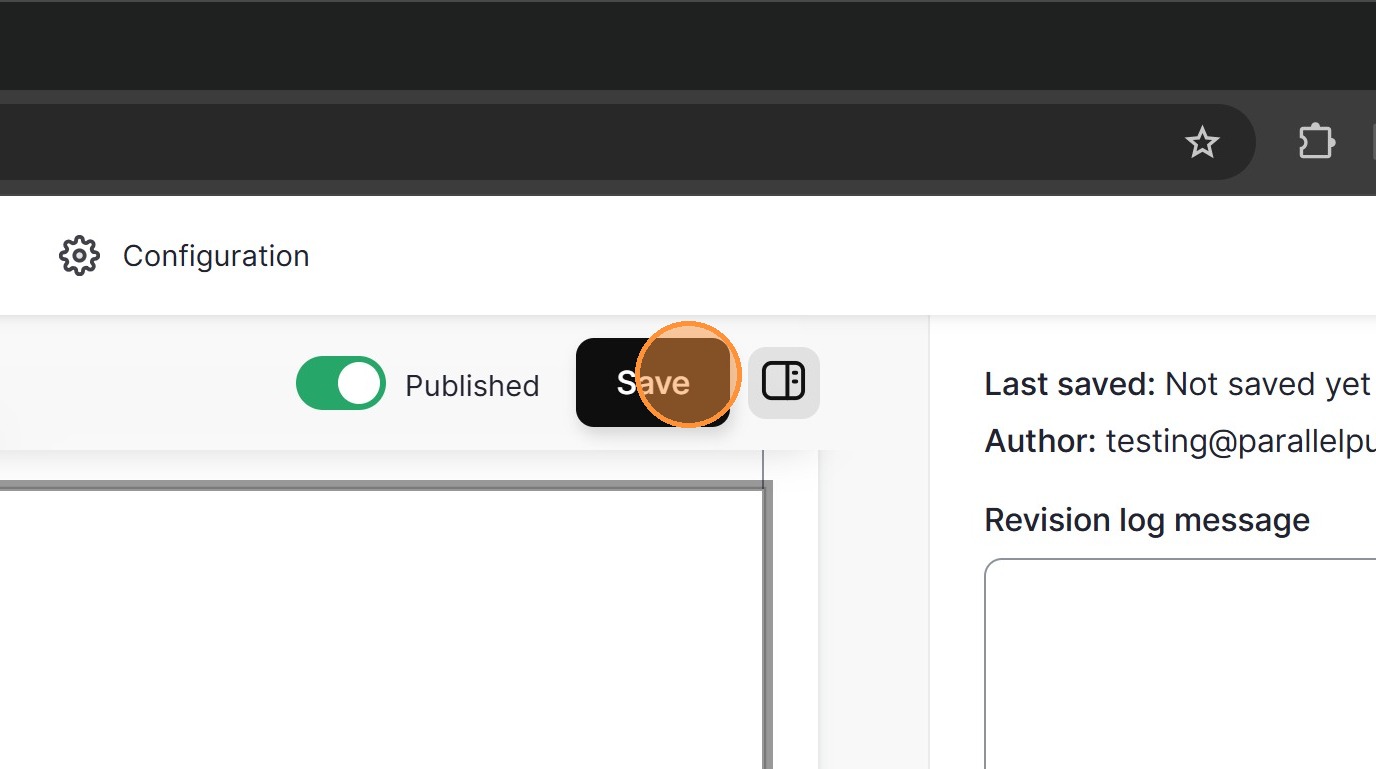
Click Add content.
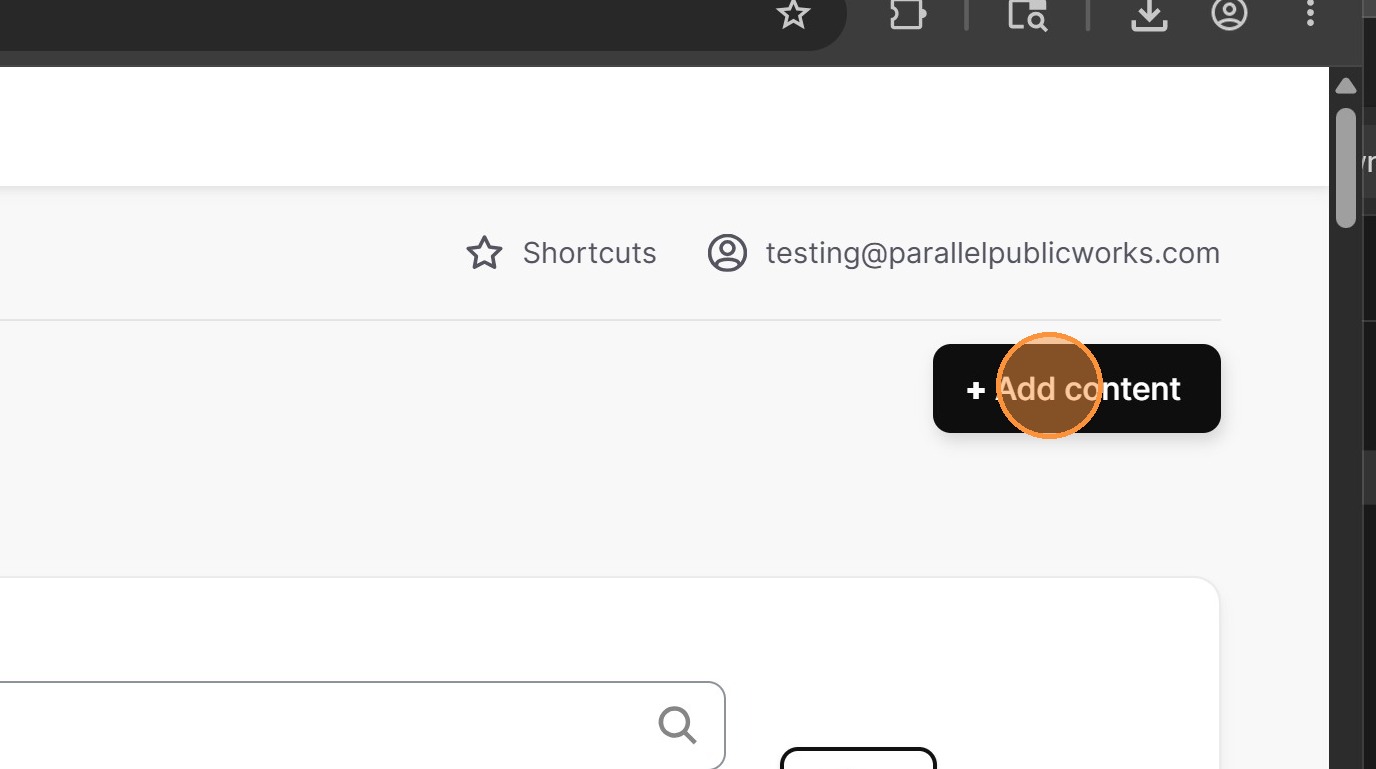
Select Video.
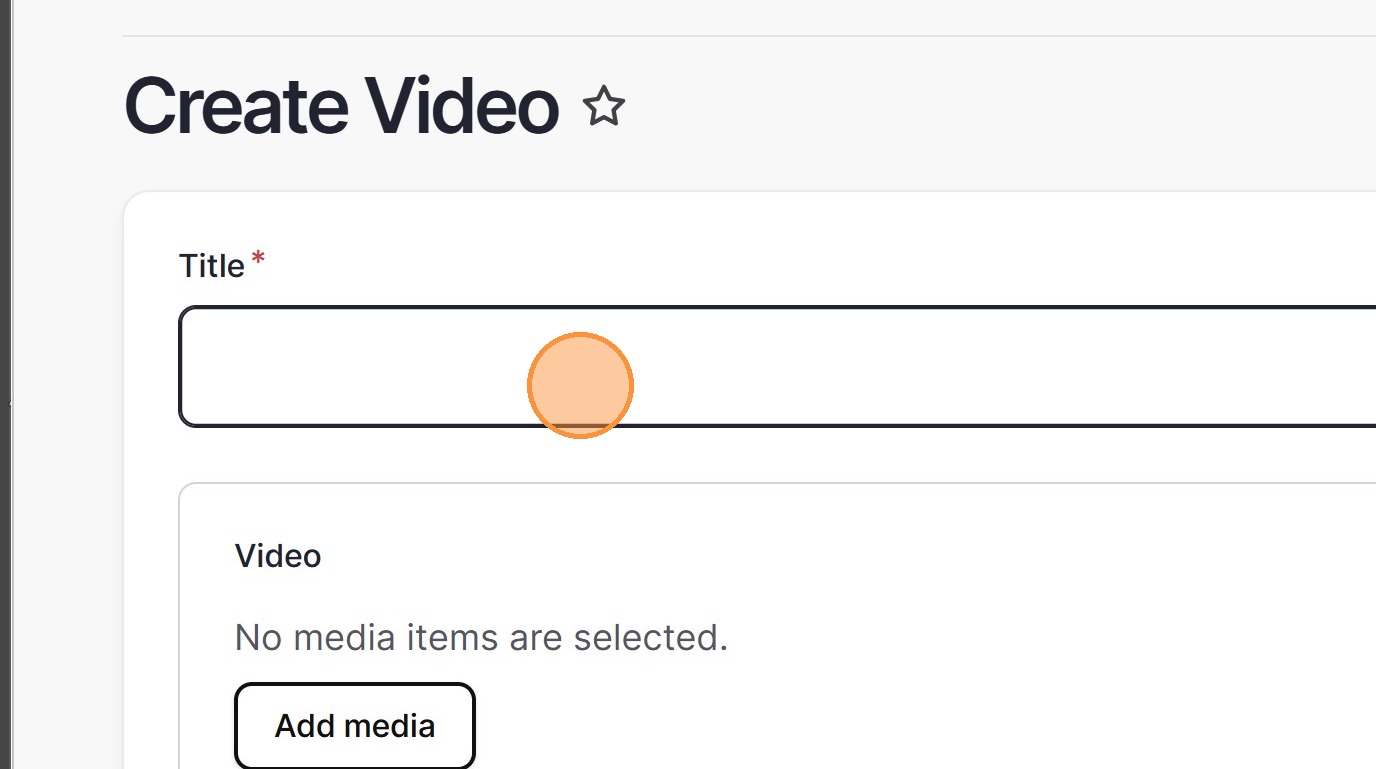
Enter a Title for the video.
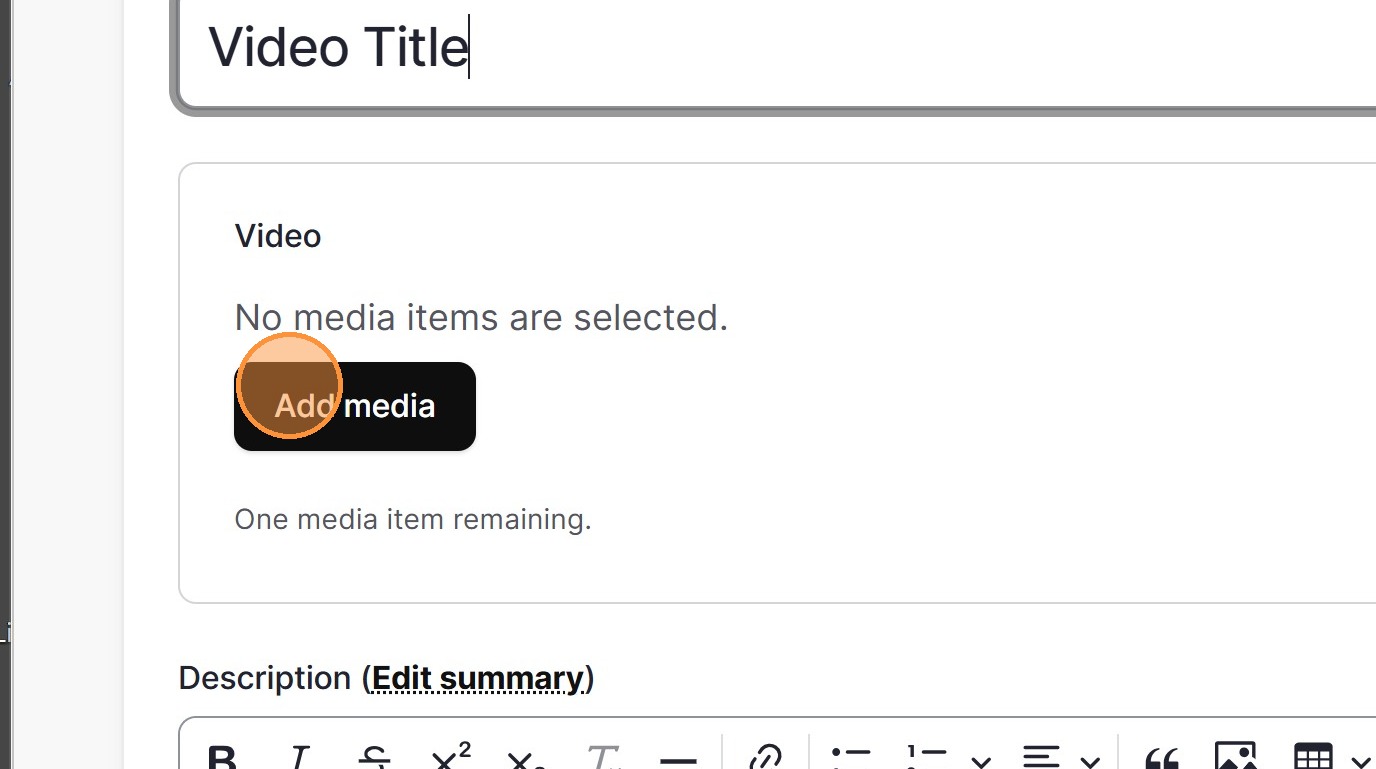
Click Add media.
Use this guide to add a streaming video file to Cloverleaf (CLF) and embed it on a page.
Click Add content.
Select Video.
Enter a Title for the video.
Click Add media.
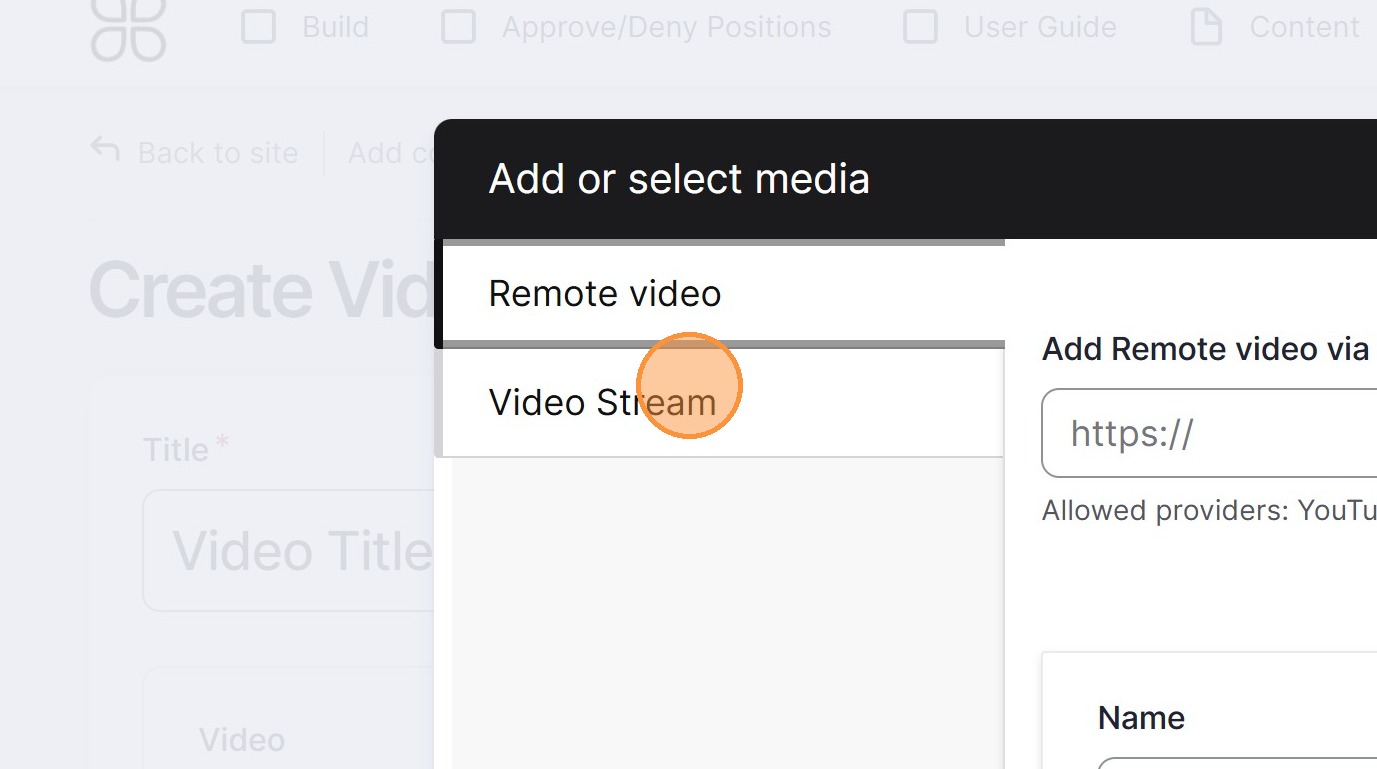
In the media picker, select the Video Stream tab.
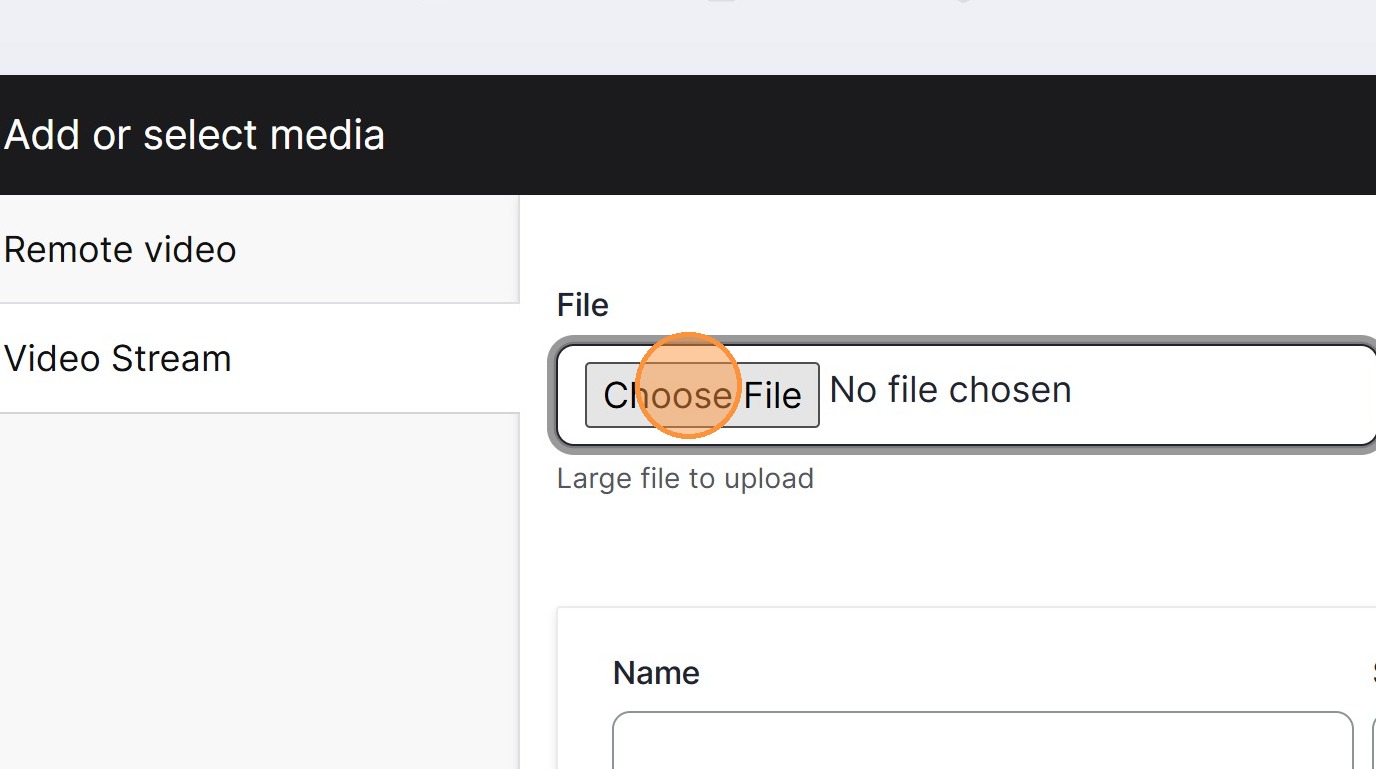
Click Choose File and select the video you want to upload.

Enter a name for the media, then click Save and insert.
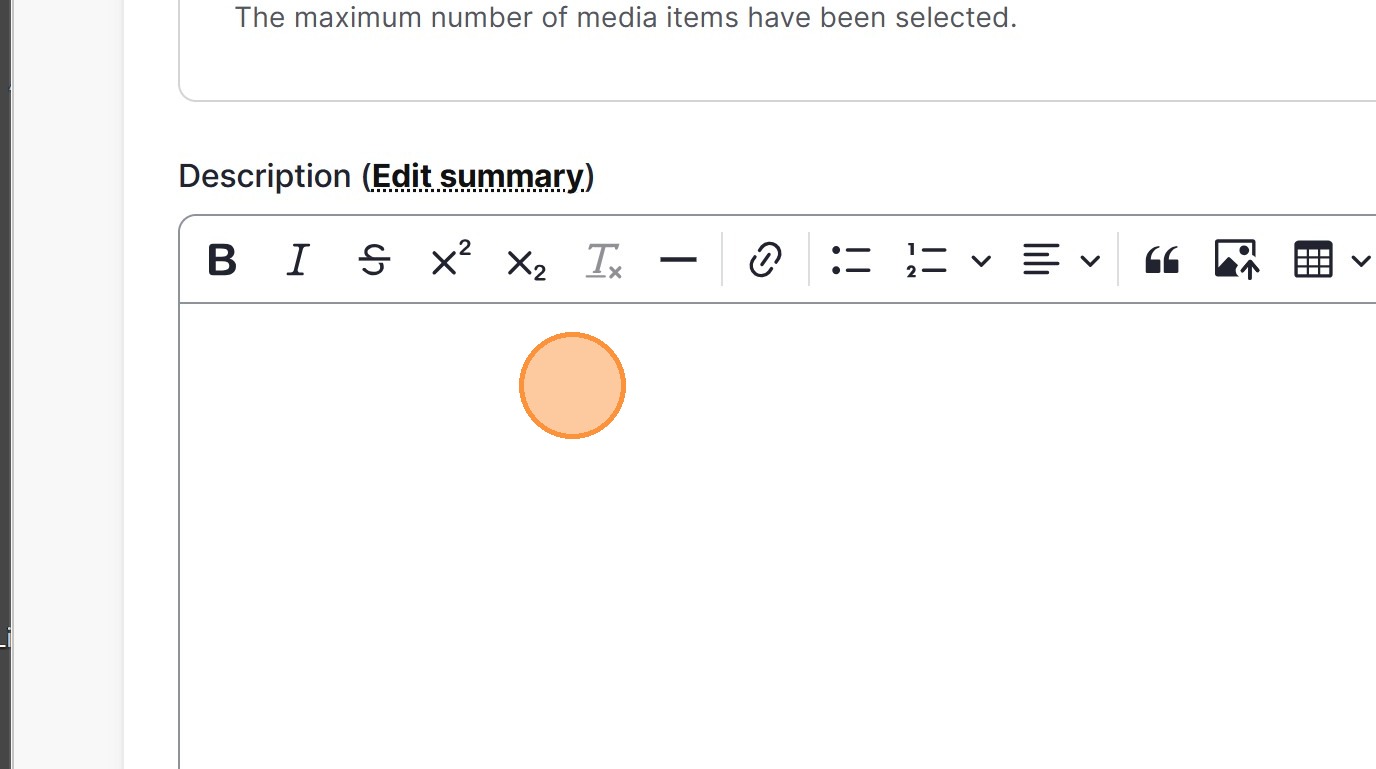
(Optional) Enter a Description for the video.
Click Save to publish the video content.